
Zones, not slides
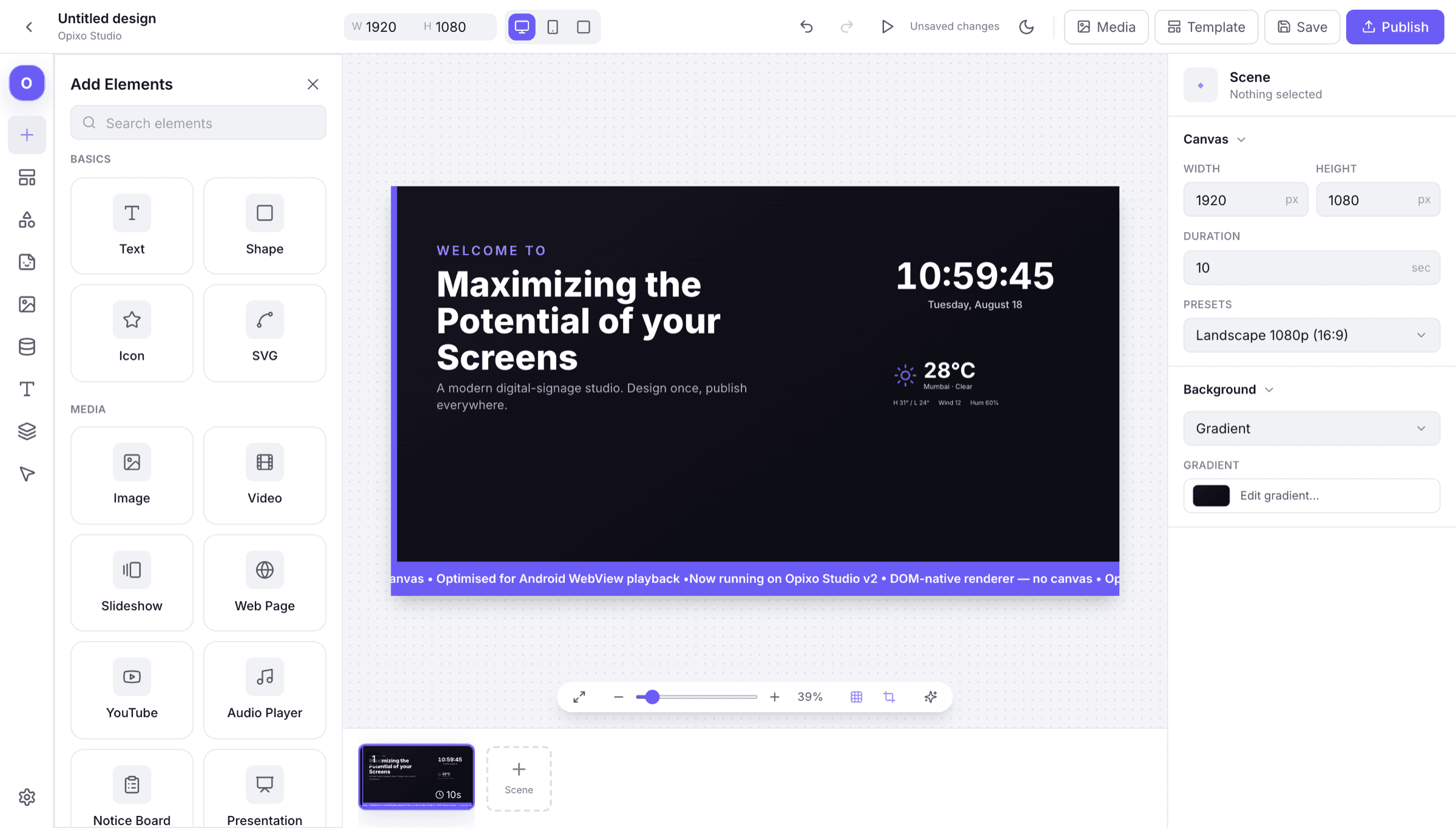
Split a screen into regions and give each one its own job — a video wall on the left, a menu column beside it, a ticker across the bottom. Each zone plays its own content on its own clock.
All About Displays
Studio · Design
A canvas built for screens rather than for slides: multi-zone layouts, your own brand styling, and a library of templates to start from. Drag, drop, snap — no design tool required.
One design, any screen
Landscape wall or portrait totem
Layouts are resolution-independent: the same content re-flows for the shape of the screen it lands on, instead of being letterboxed into it.
Split a screen into regions and give each one its own job — a video wall on the left, a menu column beside it, a ticker across the bottom. Each zone plays its own content on its own clock.
Load your fonts and colours and they are there for every layout you build afterwards, so a screen made in a hurry still looks like it came from you.
Images, 4K video, audio, PDFs and live streams are optimised automatically when you upload them, so they play smoothly on the screens you actually own.
Coming soon: generate an on-brand starting point, resize a design across screen ratios, and take content suggestions — then edit every part by hand. Not yet switched on in the Studio.
Next
Designs become useful once they are on a schedule and pointed at live data. Both live one click away.